Windows 11微信消息任务栏右下角不闪烁如何解决?
- 浏览:
- |
- 更新:
有不少用户已经更新到Win11系统了,但是在使用过程中发现了不少问题,如微信任务栏右下角的消息不闪烁了,这是怎么回事?不要着急,下面小编就给大家带来详细的解决办法。
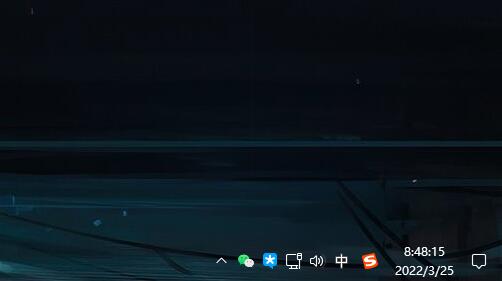
解决方法:
必须以管理员 cmd 输入:
假如在 e:\vivetool 文件夹中
右键开始 - Windows 终端(管理员)
cmd.exe
e:
cd e:\vivetool
vivetool addconfig 26008830 1
然后重启系统
热门教程


- 1 Windows 7旗舰版原版32位 v
- 2 笔记本专用 Windows7 32位 装
- 3 Windows 7旗舰版英文 64位
- 5 最精简最快的Windows 7系统
- 6 新萝卜家园 Windows 7 X86 完
- 7 2025最新Windows7旗舰版镜像
- 8 Windows7简体中文旗舰版镜像
- 9 青苹果系统 Windows7 64位 精
- 10 青苹果系统 Ghost Windows 7
- 11 大地系统GHOST Windows 7 家庭